01
Save Time
Mocking your system with LocalStack means you can build, run unit tests, and code faster.
Mocking your system with LocalStack means you can build, run unit tests, and code faster.
Using LocalStack means you aren’t paying AWS costs. On teams large and small you can save real money quickly.
Because LocalStack runs on your machine, you can even work without an internet connection.
Under the hood, we manage LocalStack via docker, so you can always stay on the latest version.
Being able to build and test your system locally as you code, you can be assured that it will work once pushed to the AWS Cloud.
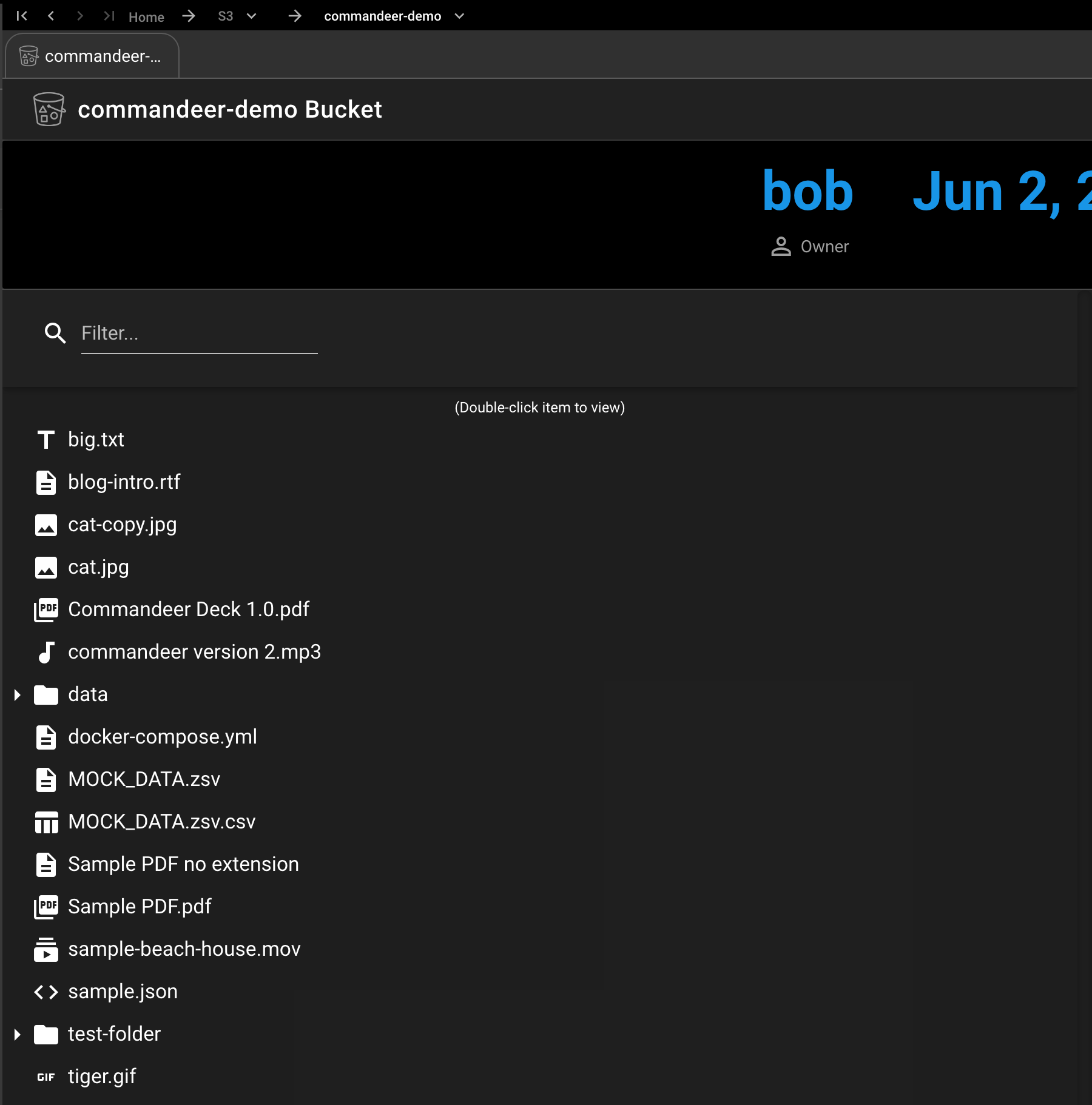
Whether is is viewing animated gif’s on S3, detailed records in DynamoDB, or logs in CloudWatch logs, now you can view them the same way on LocalStack and AWS.
Turn individual service, like S3, on or off, to run system outage tests. The ability to control each service you use gives you all the power
Deploy your infrastructure to LocalStack the same way as you do to the cloud.
Switch between your LocalStack and multiple AWS Development environments instantly.
Instantly turn LocalStack on or off from the comfort of the Commandeer UI. No setup required.
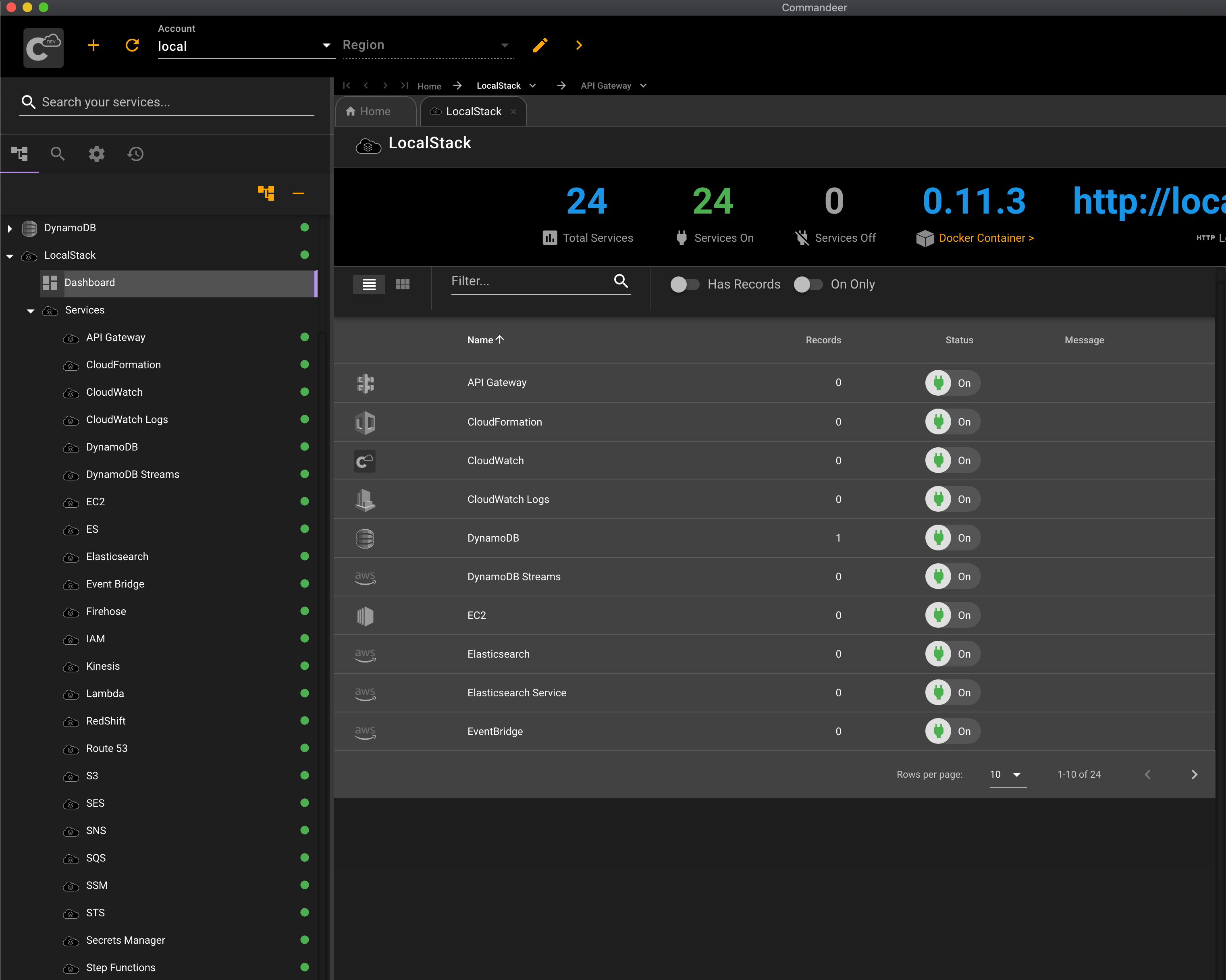
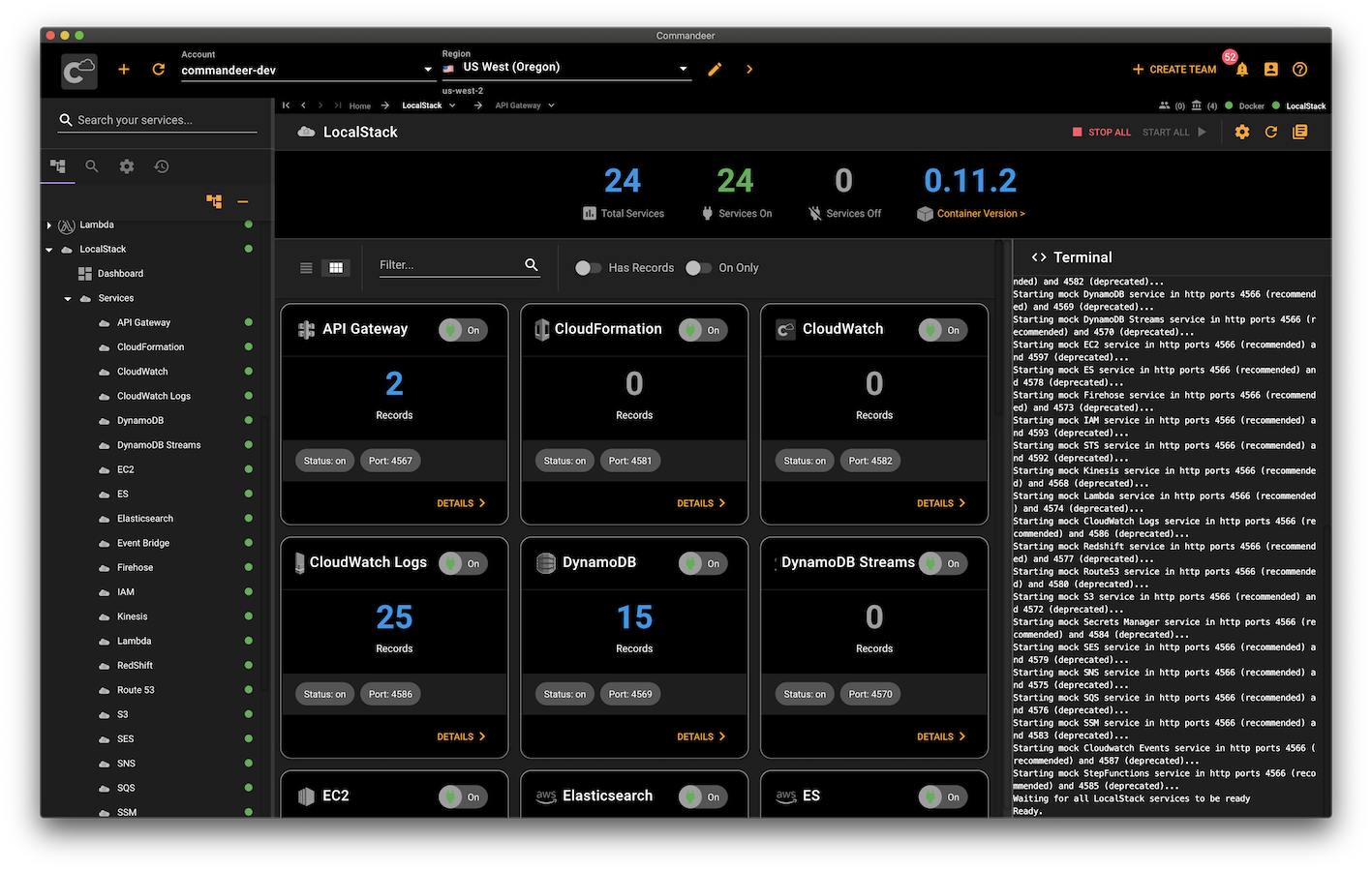
You can still view all the low-level LocalStack information in the terminal. With deep Docker integration, you can always stay up-to-date or lock in a specific version of LocalStack for your needs.
View all your S3 buckets & files, DynamoDB records, CloudWatch logs, Lambda functions, SNS Topics, SQS Queues, and much more all in one location.
"Bringing the cloud home to every developer's local system is our passion. The Commandeer team is on that same wavelength."

Lead contributor to LocalStack (Head of Engineering - Zurich Insurance)